Content
Why Dirty Data Is Costing You More Than You Think
Bad data is not just annoying — it is expensive. Poor data quality costs the US economy trillions annually. For analysts, dirty data means wrong dashboards, failed reports, and business decisions built on a shaky foundation.
Dirty data comes in many forms: null values where there should be numbers, extra whitespace padding string fields, inconsistent category labels like "NY", "New York", and "new york" living in the same column, or numeric data accidentally stored as text. Before you can analyze anything, you need to clean dirty data in SQL — directly at the source.
This tutorial walks through five essential SQL functions every analyst should know for SQL data cleaning.
Function 1: TRY_CAST and TRY_CONVERT — Handle Type Mismatches Safely
One of the most common dirty data problems is a column that should hold numbers but contains text. Casting these values directly with CAST() will throw an error the moment it hits a non-numeric string.
TRY_CAST (SQL Server, Azure SQL) returns NULL instead of throwing an error when conversion fails.
Real-World Scenario
Your orders table has a revenue column stored as VARCHAR. Some rows contain '1250.00', others contain 'N/A' or 'pending'.
Function 2: COALESCE and ISNULL — Replace Null Values
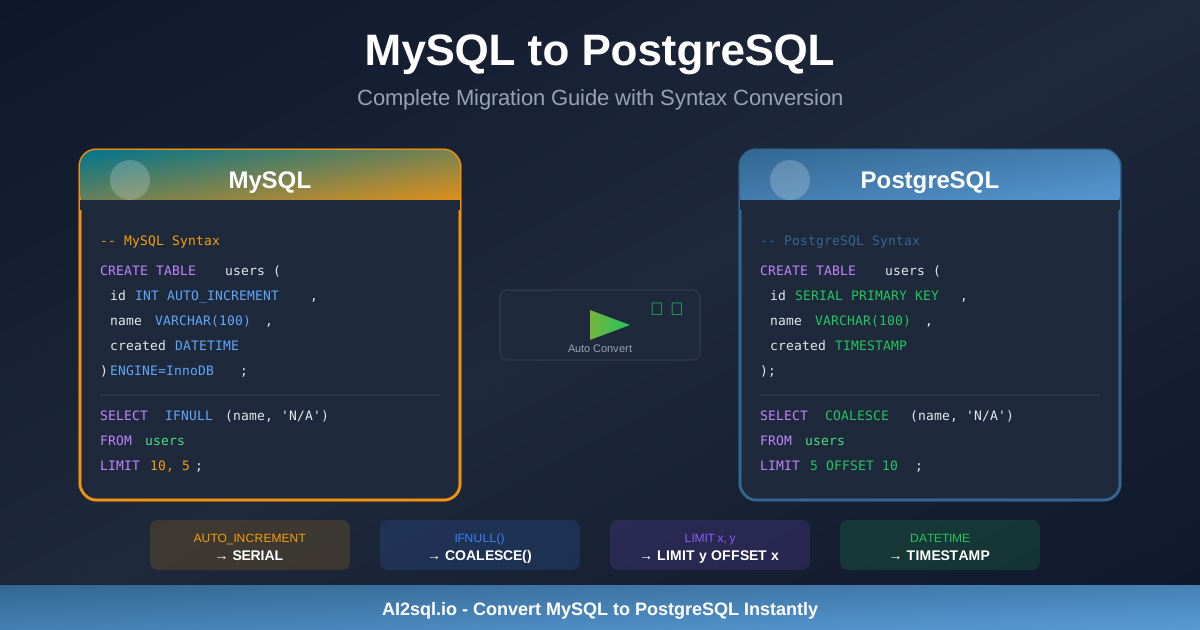
Null values are silent data quality killers. Aggregations skip them, joins exclude them. COALESCE returns the first non-null value from a list of arguments.
Real-World Scenario
A customer table has phone and alt_phone columns with many nulls.
Function 3: TRIM, LTRIM, RTRIM — Eliminate Invisible Whitespace
Extra spaces are invisible in most UIs but devastating for string comparisons and GROUP BY queries. A customer named ' Acme Corp' will never match 'Acme Corp' in a join.
Function 4: REPLACE and TRANSLATE — Strip Unwanted Characters
REPLACE swaps one substring for another. TRANSLATE maps individual characters to replacements in a single pass.
Real-World Scenario
Phone numbers stored as '(555) 123-4567' need to be plain digits: '5551234567'.
Function 5: CASE WHEN for Data Standardization
CASE WHEN is the right tool whenever you need to normalize inconsistent categorical values.
Real-World Scenario
Your orders table has a status column with values like 'complete', 'Completed', 'DONE', 'shipped', 'CANCELLED', 'canceled'.
Putting It All Together: A Combined Cleaning Query
How AI Speeds Up SQL Data Cleaning
Writing data cleaning queries from scratch is repetitive work. You know what needs to happen but translating it into the correct SQL syntax for your specific database takes time.
AI2SQL removes the friction. Instead of looking up whether your database uses TRY_CAST or a regex workaround, you describe the problem in plain English:
"Clean the phone column in raw_orders by removing parentheses, dashes, and spaces, then cast revenue_raw to a decimal after stripping dollar signs and commas."
AI2SQL generates the correct, dialect-specific SQL instantly — so you spend your time validating and running queries instead of writing boilerplate.
Conclusion
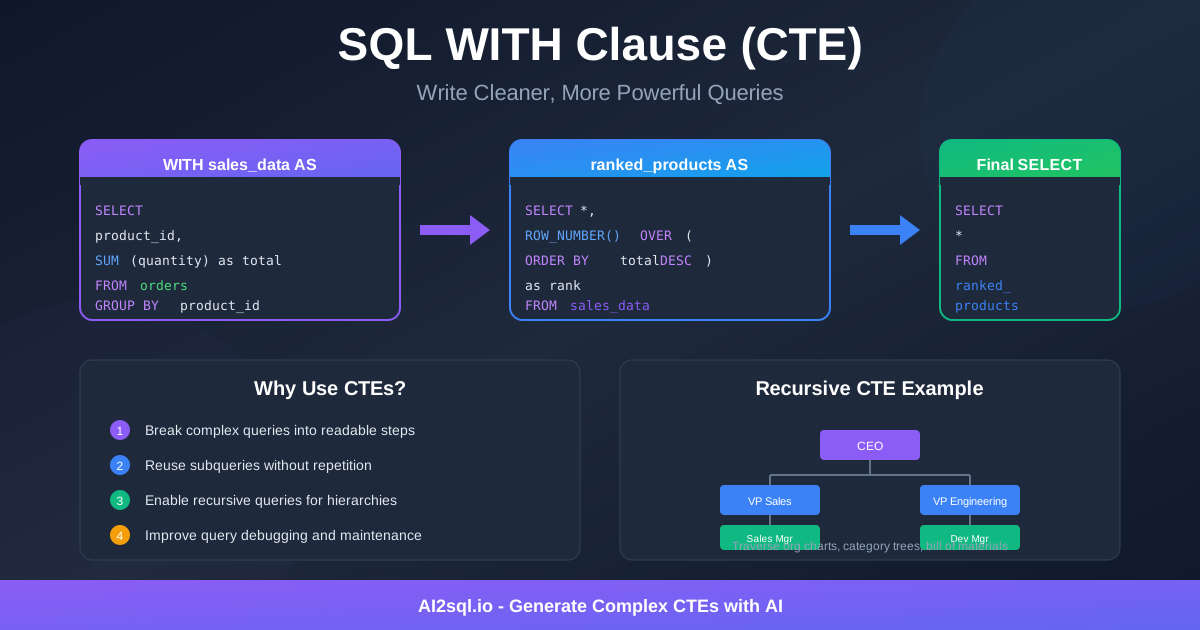
The five functions covered here — TRY_CAST for safe type conversion, COALESCE for null handling, TRIM for whitespace, REPLACE/TRANSLATE for character stripping, and CASE WHEN for standardization — cover the vast majority of real-world SQL data cleaning scenarios. Build them into your workflow, layer them into views or CTEs, and your downstream analysis will be far more reliable.
Ready to generate your own cleaning queries without memorizing every syntax variant? Try AI2SQL free and describe your dirty data problem in plain English.